Workflow Builder
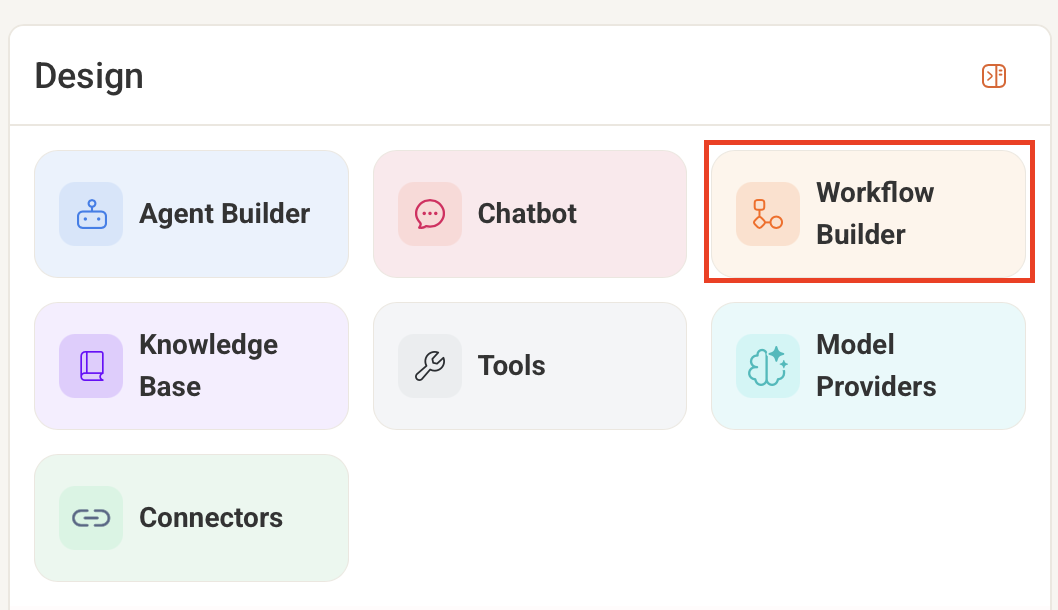
On the right panel, user can view the Workflow Builder Panel where they can create, view, import, export, duplicate, edit or delete a Workflow
View the Workflow Builder Panel
Open Workflow Builder on the right panel.
The builder page shows New Workflow button, a search here field, and cards showing all of the available workflow.
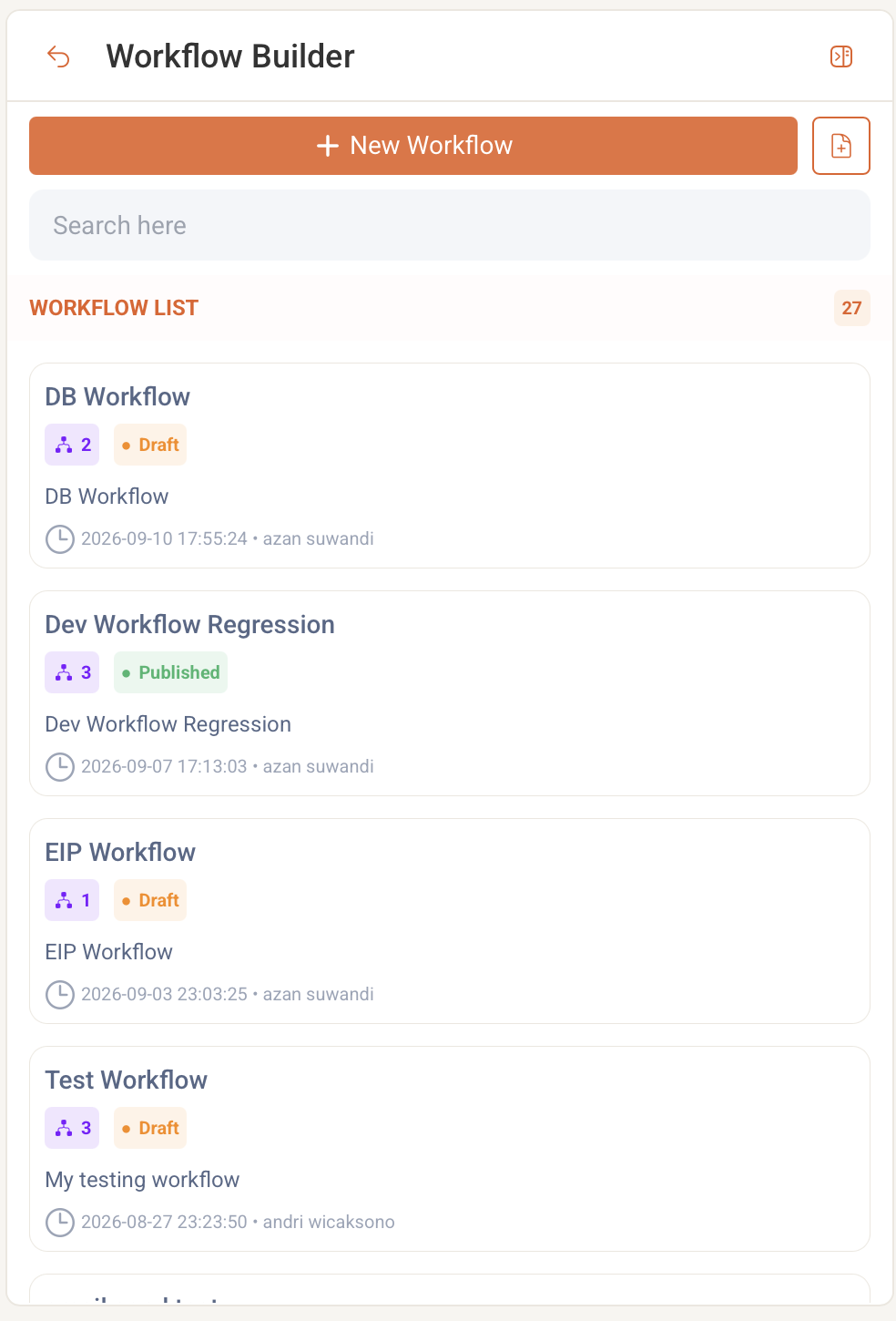
Each Workflow card displays:
- Name — the Workflow name
- Nodes — how many nodes there are in the workflow
- Status —
PublishedorDraft - Description - the description of the workflow
- Timestamp & author — last updated time, and the author
Create a New Workflow
Click New Workflow on the Workflow listing page, it will then shows the New Workflow form.
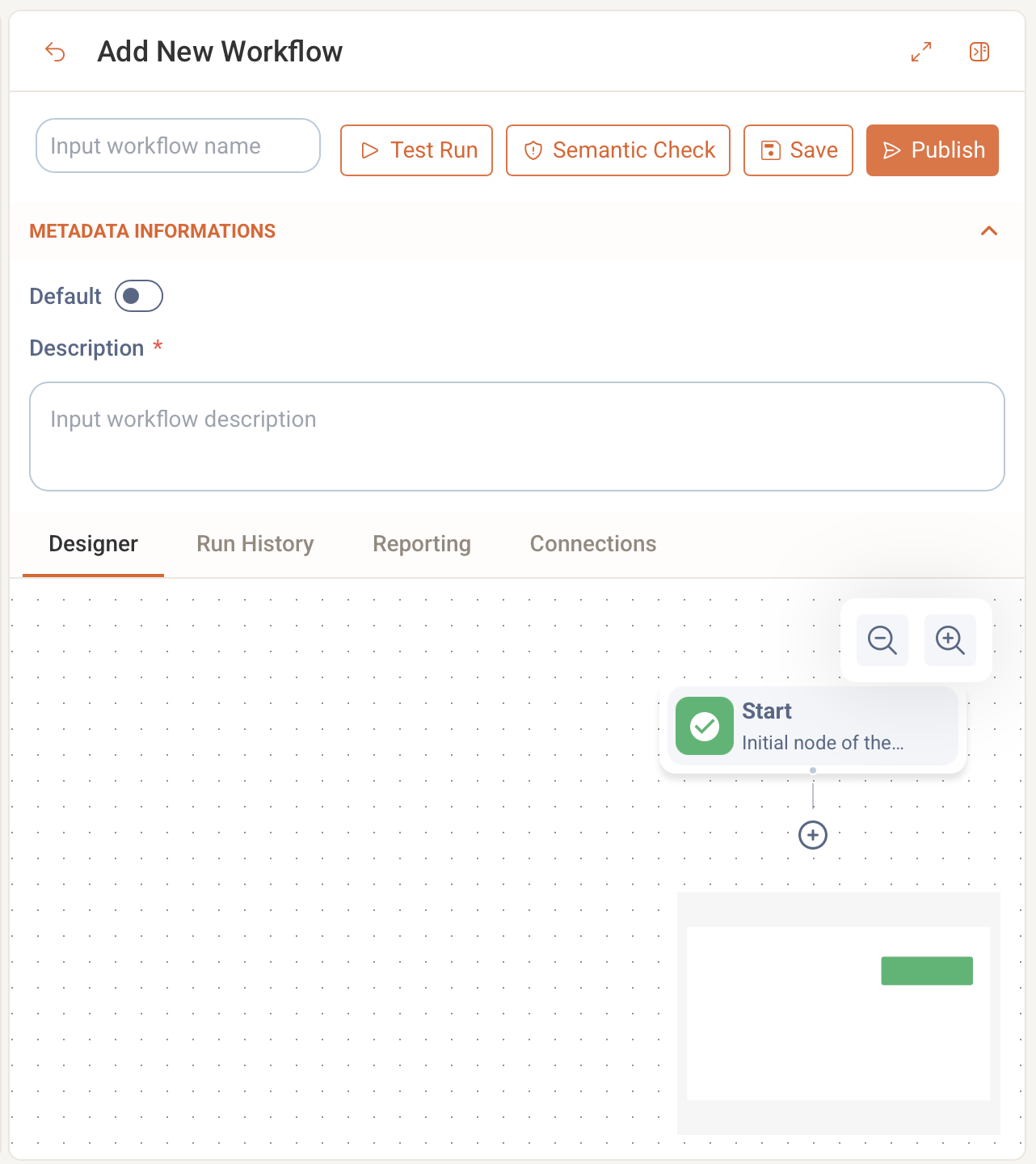
user will then needs to fill the Workflow Name, Description, check the workflow as Default, and add the Workflow Nodes field. The user then can test run the workflow, semantic check, or click the save icon and afterwards use the publish button to publish the Workflow.
Edit a Workflow
In this page, user can edit a specific workflow's name, description, and nodes.
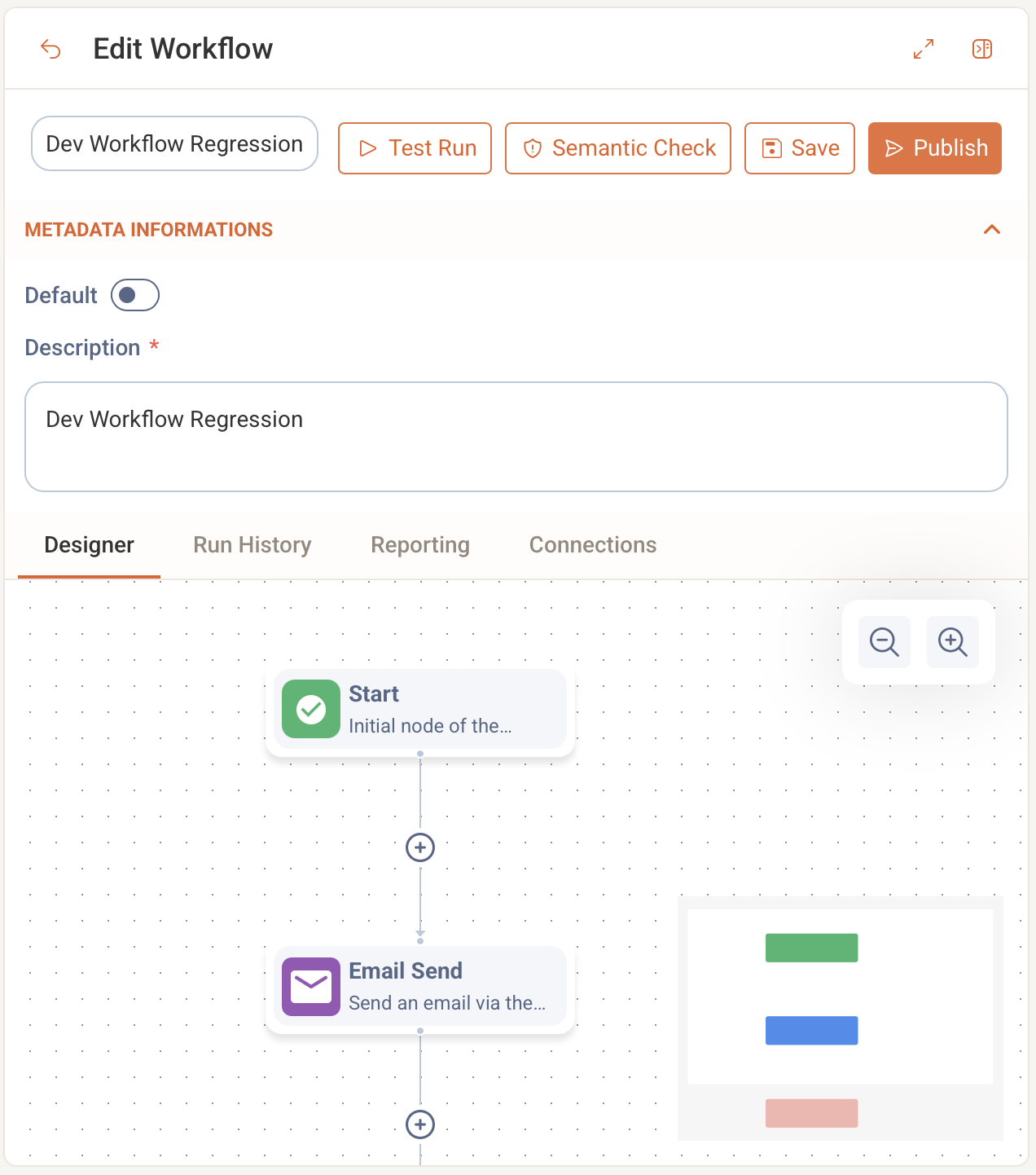
To edit a Workflow:
- Hover over a Workflow card.
- Click the three dots menu on the right side of the card.
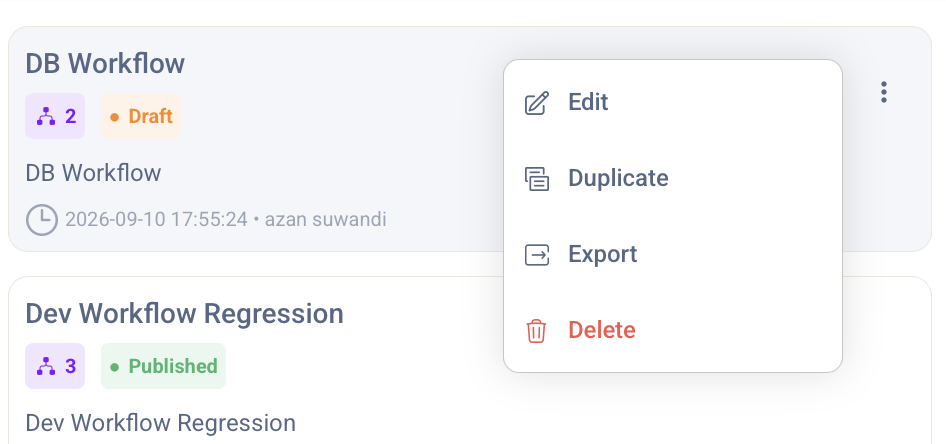
- The Edit Workflow form opens pre-filled with the Knowledge Base's existing data. Update the fields the same way as in Create a new Workflow.
- Click Save to save the changes as draft.
- Click publish to apply the saved changes.
Run History
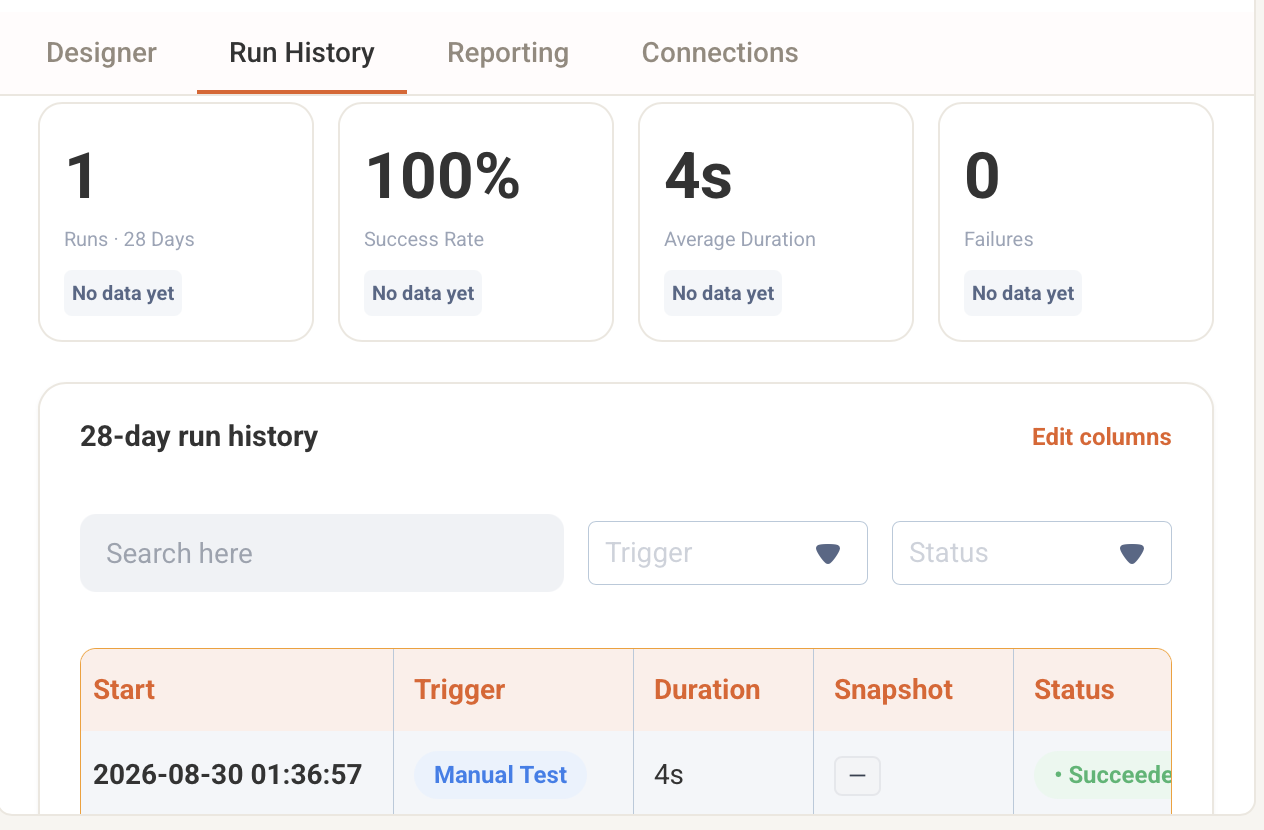
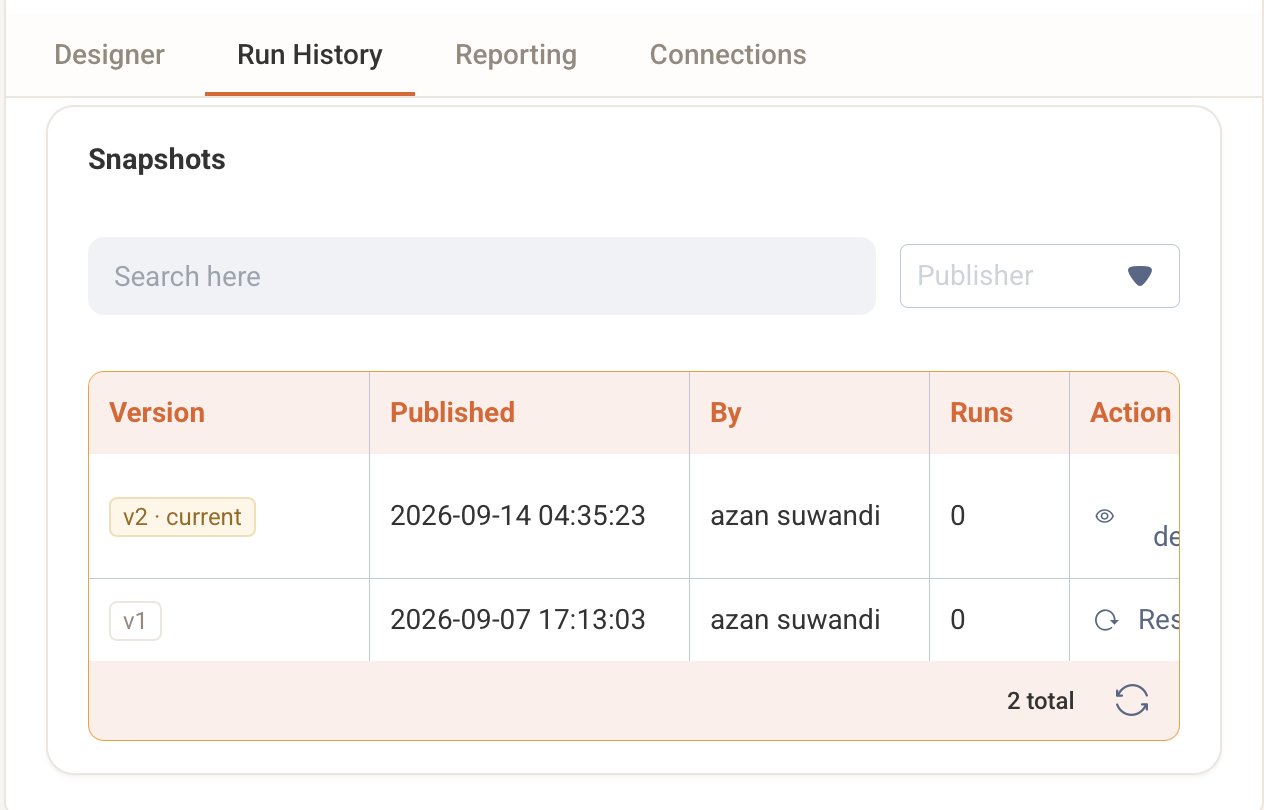
User can view the Run History of the workflow as well as snapshots of the versions and how many time the related version is ran.
Reporting
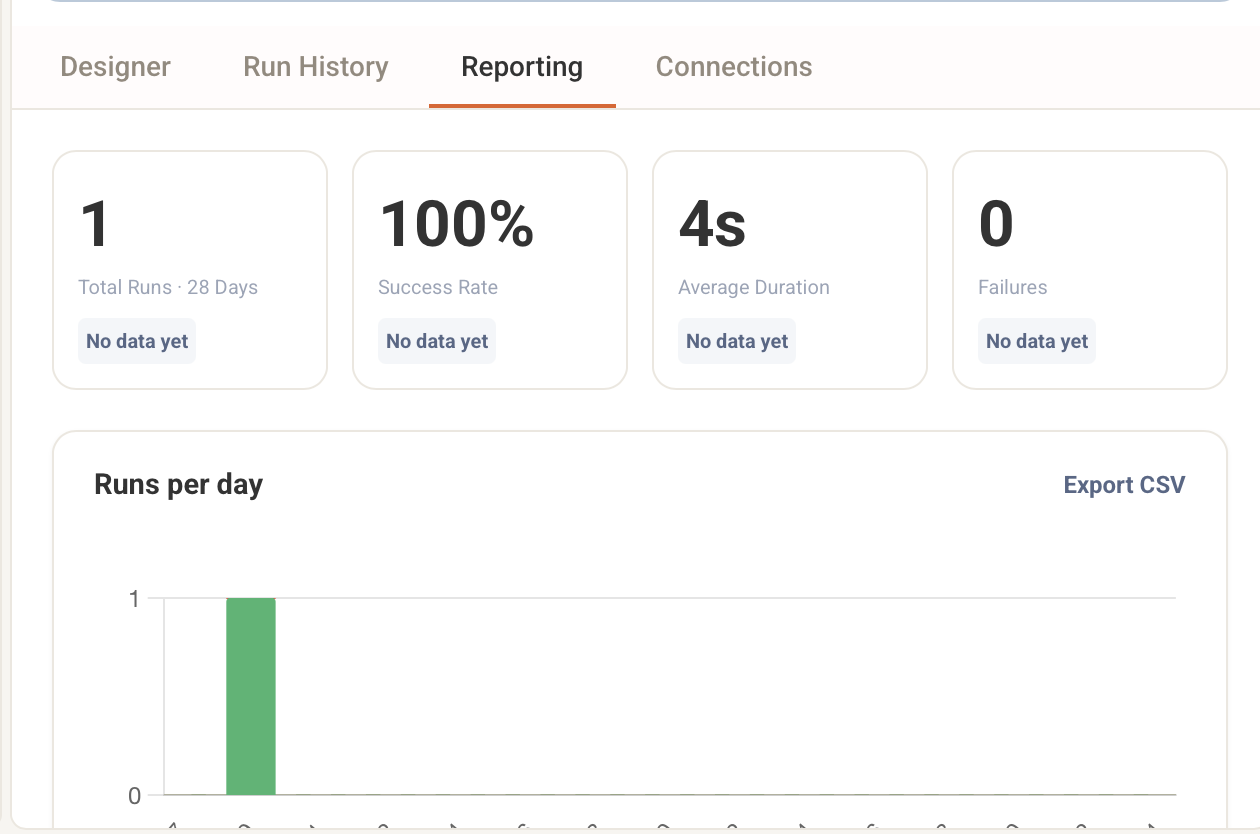
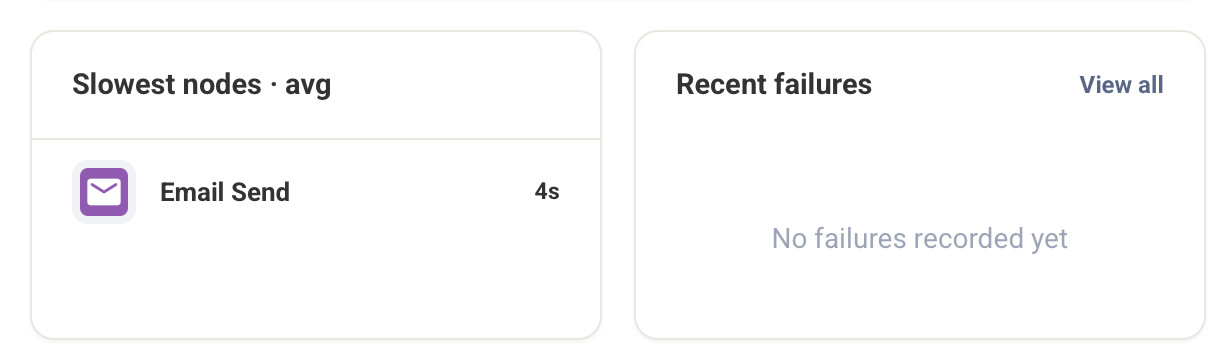
In the Reporting page, user can view how many times the workflow has been ran as well as which nodes are the slowest and recent failures.
Connections
User can view and edit the connections / connector and change the connector for a specific node.
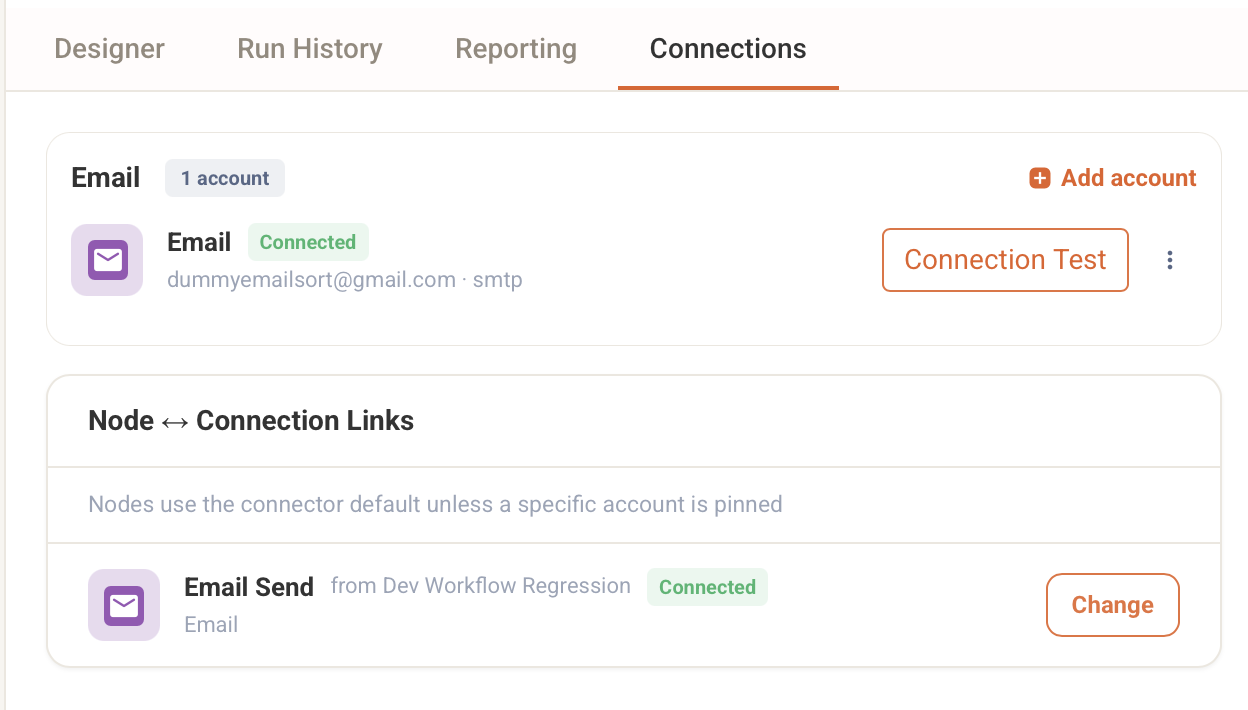
user can also add a new account for a specific connector by filling in the specific fields.
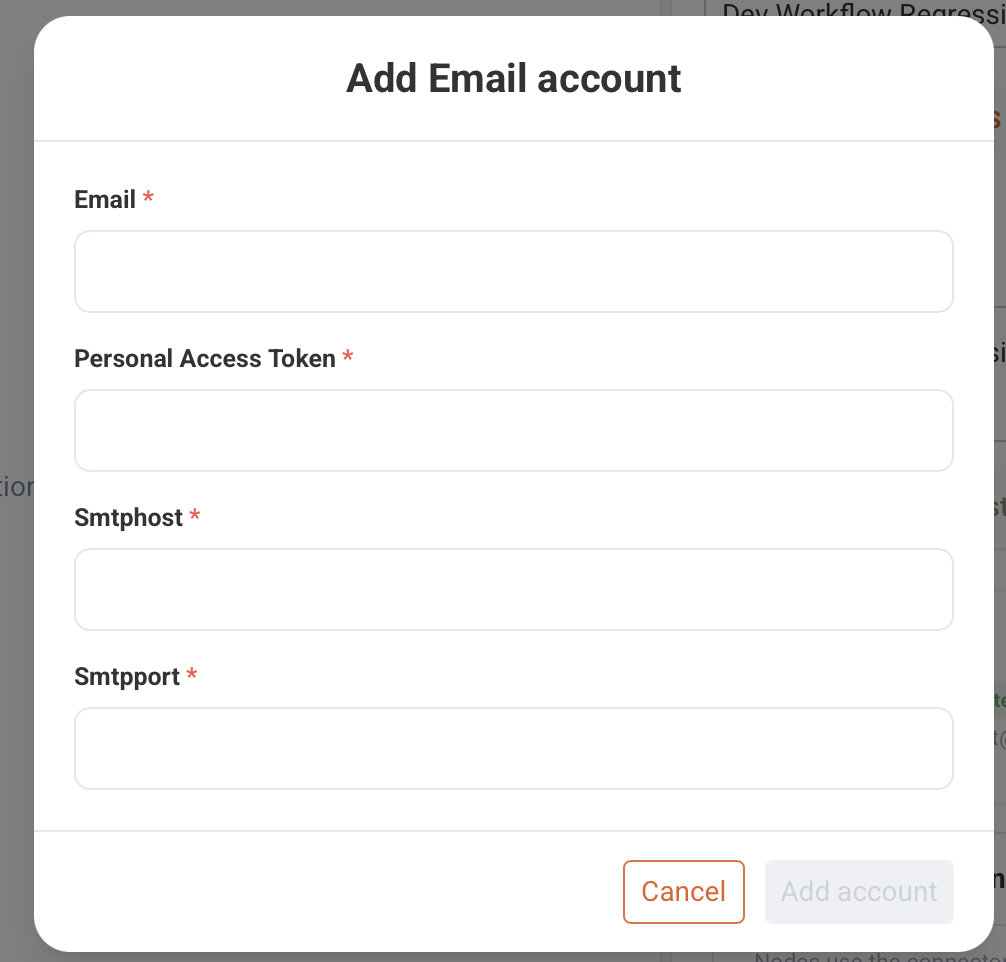
Some commonly requested fields include:
- Email - an Email address
- Personal Access Token - a specific password/token that is used for authentication.
- smtphost - The address of the outgoing (SMTP) mail server that accepts the email.
- smtpport - The port on that server.
all of the fields above are mandatory.
Nodes
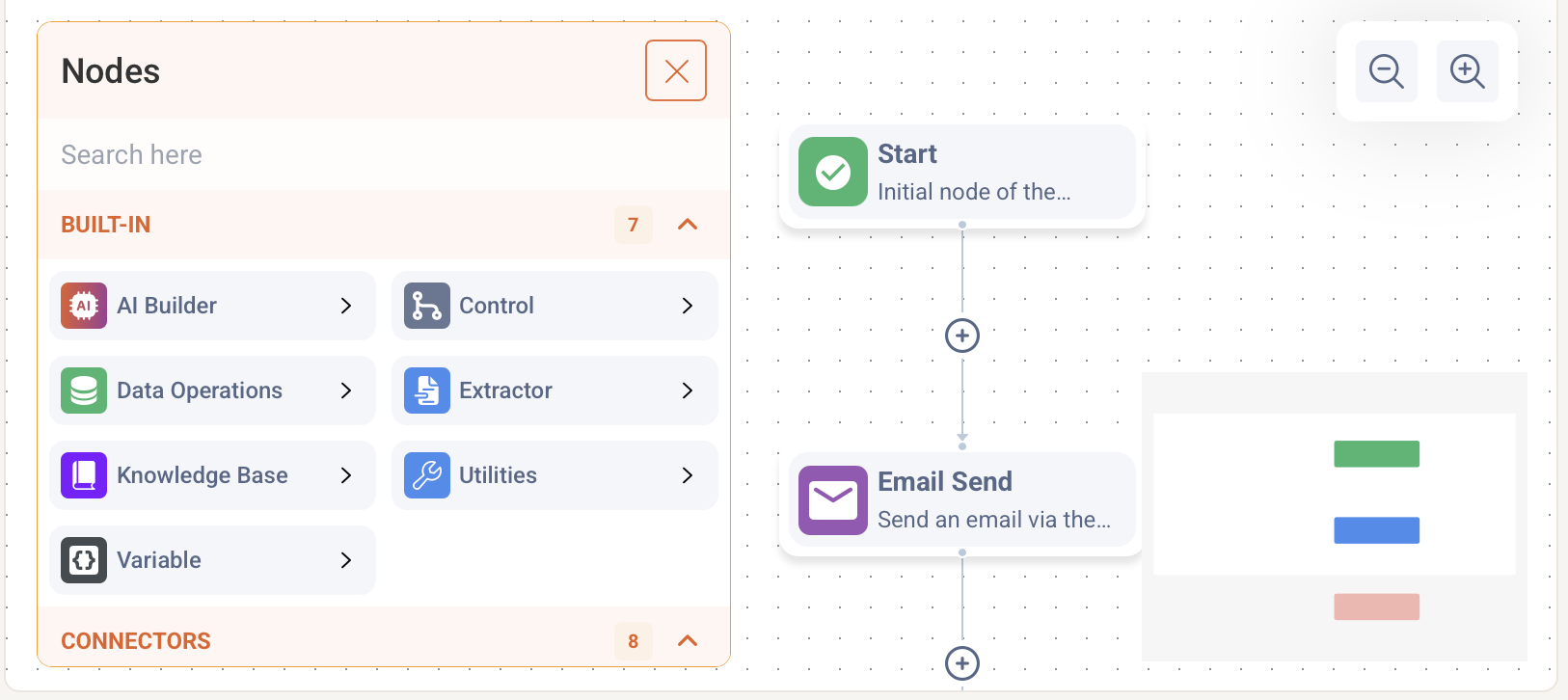
User can view a node on the canvas in Add New Workflow or Edit Workflow. Hovering over a node would show it's tooltip. Every workflow started with a Start node.
To run API tests from a workflow, use the Run API test collection and Run API test case nodes. See API Test node in Workflows.
Add a node
To add a node, user needs to click the plus icon below or between a specific node, user then can add a built-in or connector node.
Configuring a Node
Click a node to open it's panel, it has a parameter tab and an about tab, for a start node specifically there is also a Trigger tab. User can also delete the node using the Trash icon.
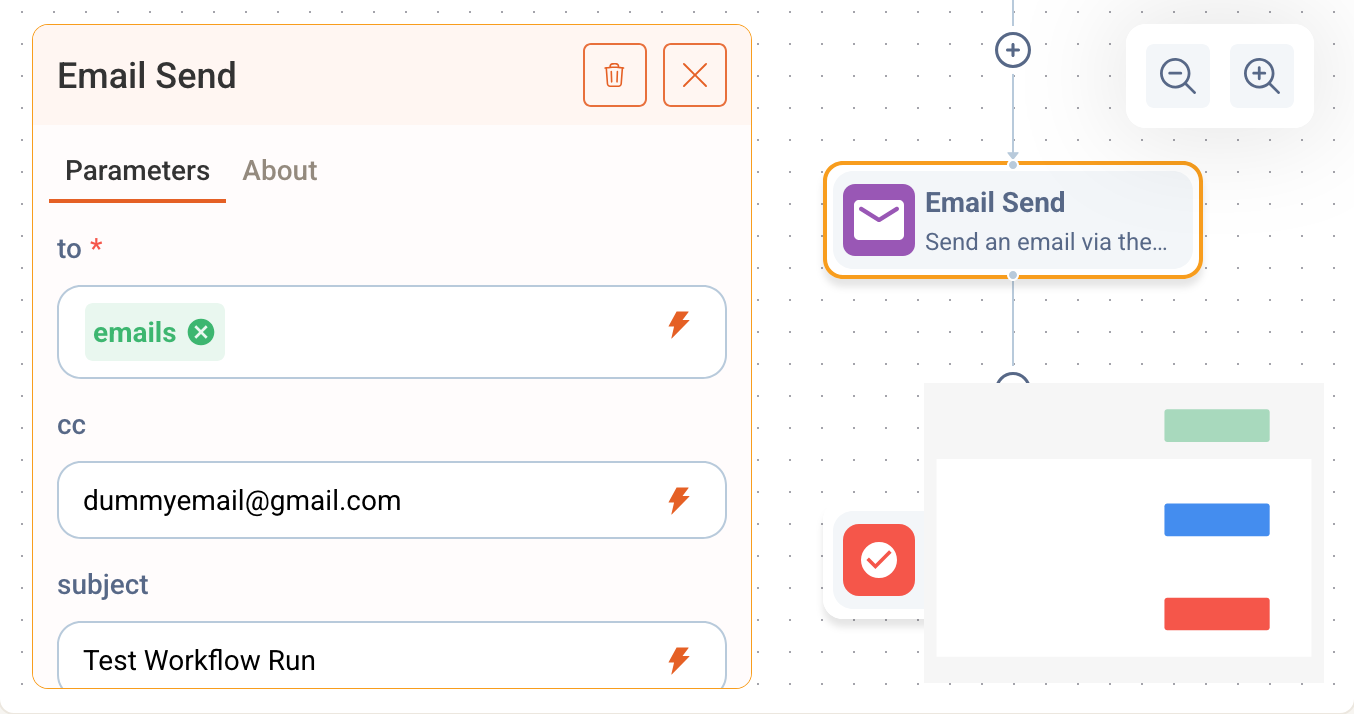
commonly requested fields (Email Send) include to which is required, cc, subject, body, body_format. User can also add an Email Connector.
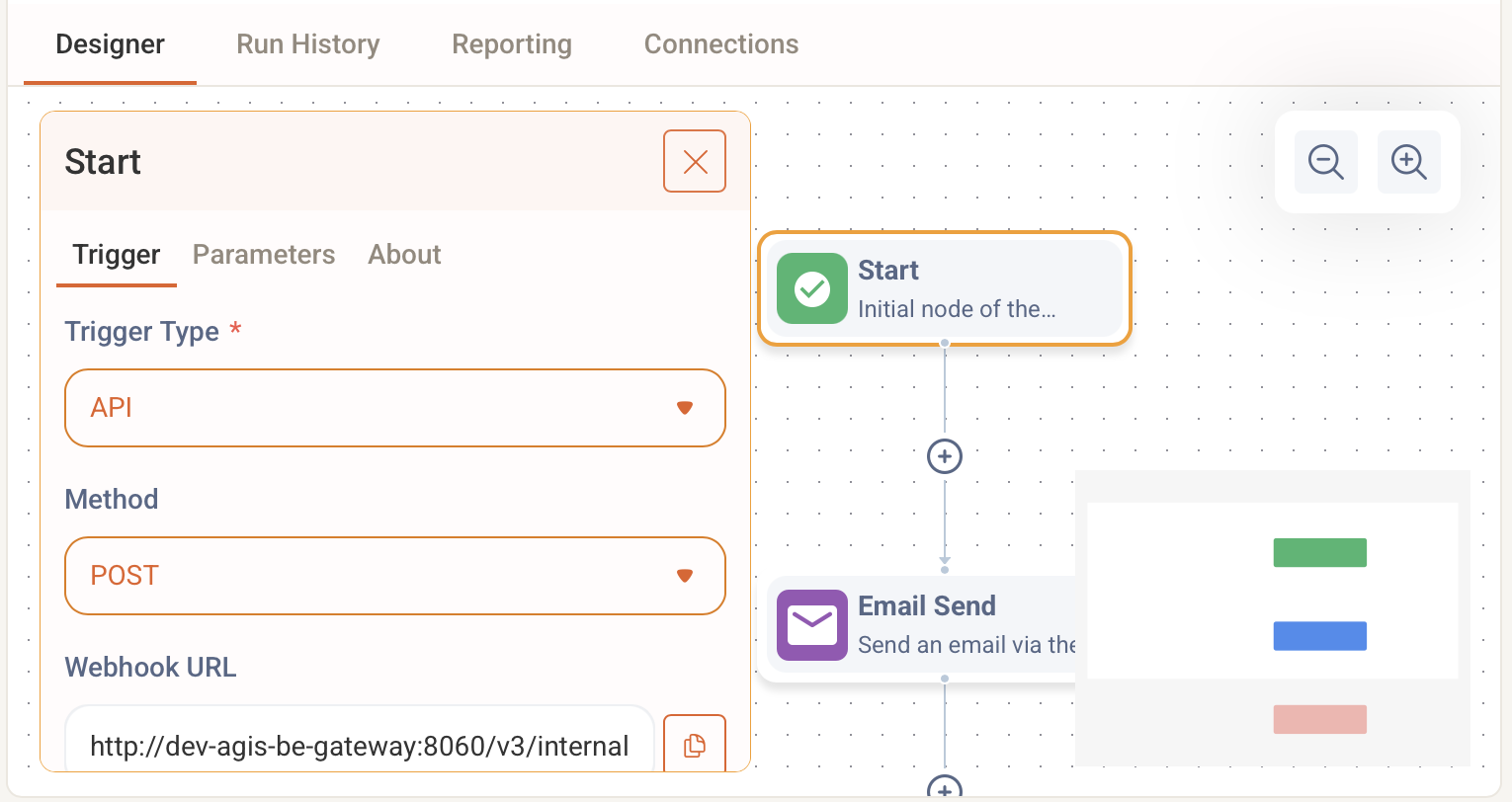
for Trigger, fields include:
- Trigger Type -
Manual,Scheduled,API. This field is required.
If Scheduled:
- Enable Schedule - Switch that turns the schedule on or off
- Schedule - The date and time of the run, picked from a calendar.
- Recurring Schedule - Switch to make the workflow repeat instead of running once.
- Repeat Every - A number from 1 to 99 plus a unit: Minute, Hour, Day, Week, Month or Year. Shown only when
Recurring scheduleis on. - until - The date and time to stop repeating. Shown only when
Recurring Scheduleis on.
If API:
- Method - The HTTP method the endpoint accepts (eg.
POST) - Webhook URL - The endpoint to call.
- Headers - The headers the caller must send. Includes
content-type,x-workflow-api-key,x-api-key. - Context Variables - The variables defined on the Start node. The caller passes them in the request body under context.
- cURL - A ready-to-copy example request built from the
fieldsabove.
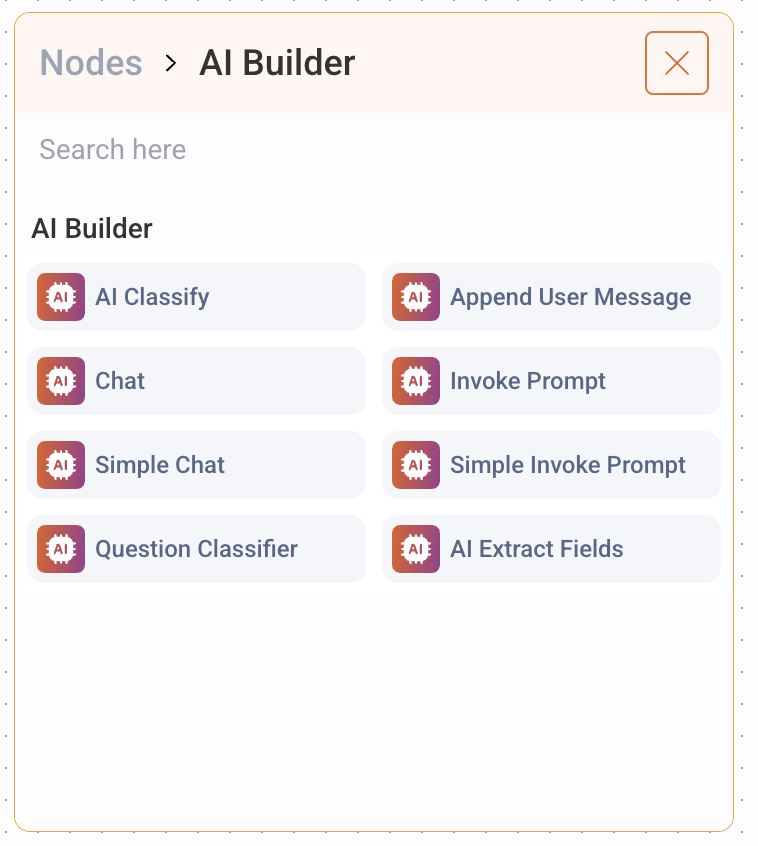
Below are the nodes AGIS provides:
Built-in - AI Builder
| Nodes | Description |
|---|---|
| AI Classify | Classify text into exactly one of a caller-supplied list of categories using the LLM, guaranteeing the returned 'category' is one of the given names (strips reasoning/JSON fences and canonicalises the answer). |
| Chat | Continue a multi-turn conversation. Passes existing message history as context to the LLM. |
| Simple Chat | Continue a multi-turn conversation using llm_service.inference() (simple, no model_provider). |
| Question Classifier | Classify user query or question into specific classes using LLMs. |
| Append User Message | Append a message with a specific role into the conversation history without calling the LLM. |
| Invoke Prompt | Invoke the LLM with a single prompt string. |
| Simple Invoke Prompt | Simple wrapper around invoke_prompt for testing. |
| AI Extract Fields | Extract a caller-supplied list of fields from text using the LLM. Every requested field is guaranteed to come back — fields the text does not contain are filled with the 'default' placeholder ('-'), never omitted. Also returns the fields pre-rendered as 'Label: value' lines. |
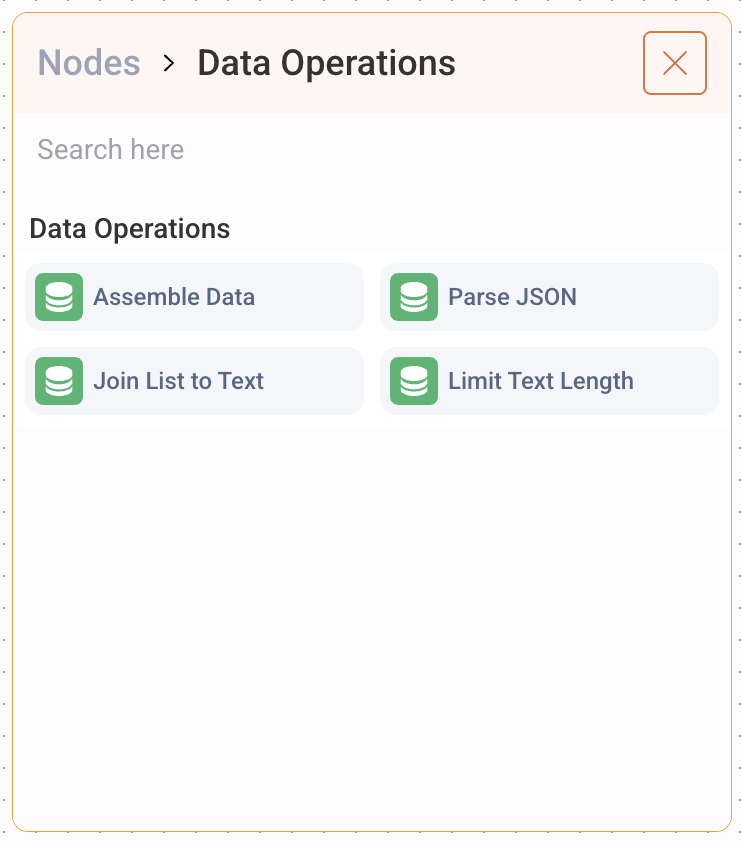
Built-in - Data Operations
| Nodes | Description |
|---|---|
| Assemble Data | Assemble a value and pass it through as 'result'. Map a nested object into 'value' to build an object from several context keys; inside a foreach body, the loop's output_mapping then collects each result into a list. |
| Join List to Text | Join a list into a single string with a separator. Coerces each item to text (dicts/lists become JSON) and drops empty items by default. Use it to flatten a foreach-collected list (e.g. per-attachment descriptions) into a string for a template/prompt node. |
| Parse JSON | Parse JSON from an upstream node (e.g. http_request) and spread every top-level property as its own output so downstream nodes can map individual fields. Accepts a dict/list or a JSON string. For each top-level array property <name> it also emits <name>_count so a condition node can route on array length. Optionally validates against a JSON Schema (advisory by default; pass strict=true to raise). |
| Limit Text Length | Truncate text to a maximum number of characters. keep='head_tail' (default) preserves the start and end and drops the middle (important for documents whose key details are at the end); keep='head' or 'tail' keeps only that side. Returns the text unchanged when already within the budget. |
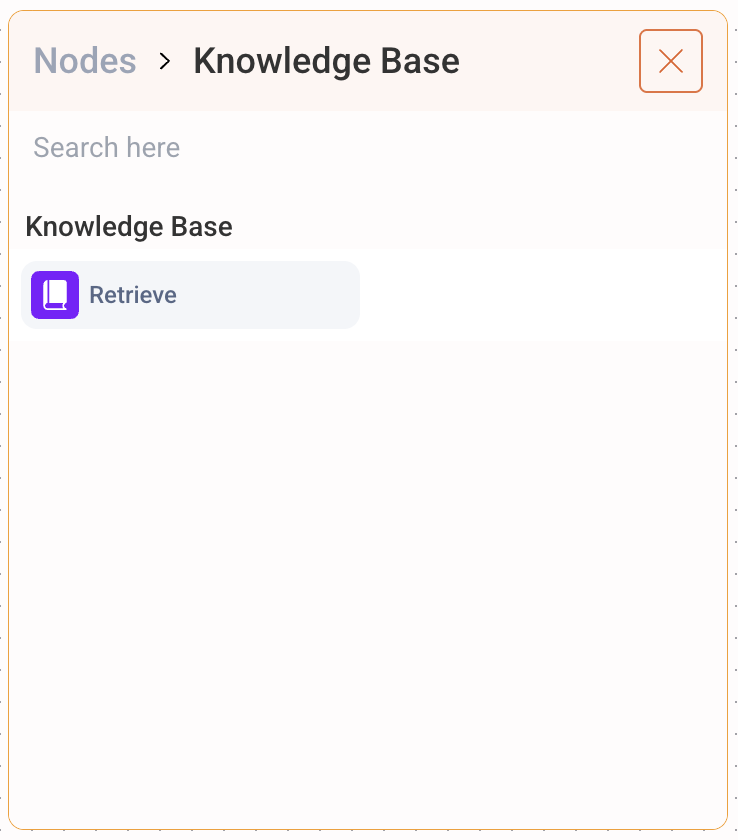
Built-in - Knowledge Base
| Nodes | Description |
|---|---|
| Retrieve | Retrieve relevant documents and chunks from the knowledge base using semantic search, with optional query expansion and reranking capabilities. |
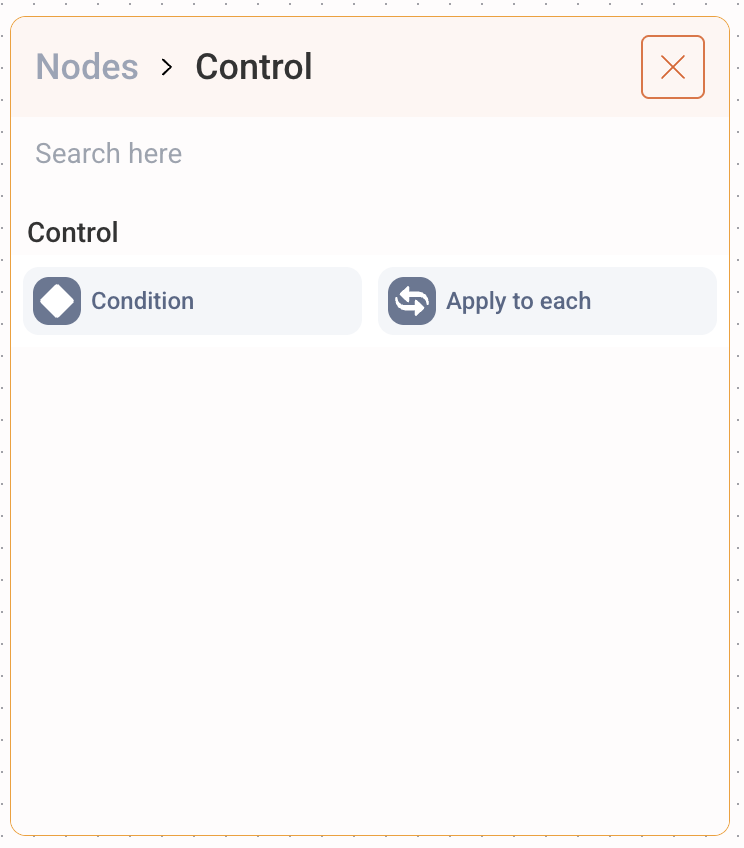
Built-in - Control
| Nodes | Description |
|---|---|
| Condition | Evaluates a condition and routes workflow execution along true/false branches. |
| Apply to Each | Iterates over a list and executes the workflow for each item. |
| End | Terminates the workflow. |
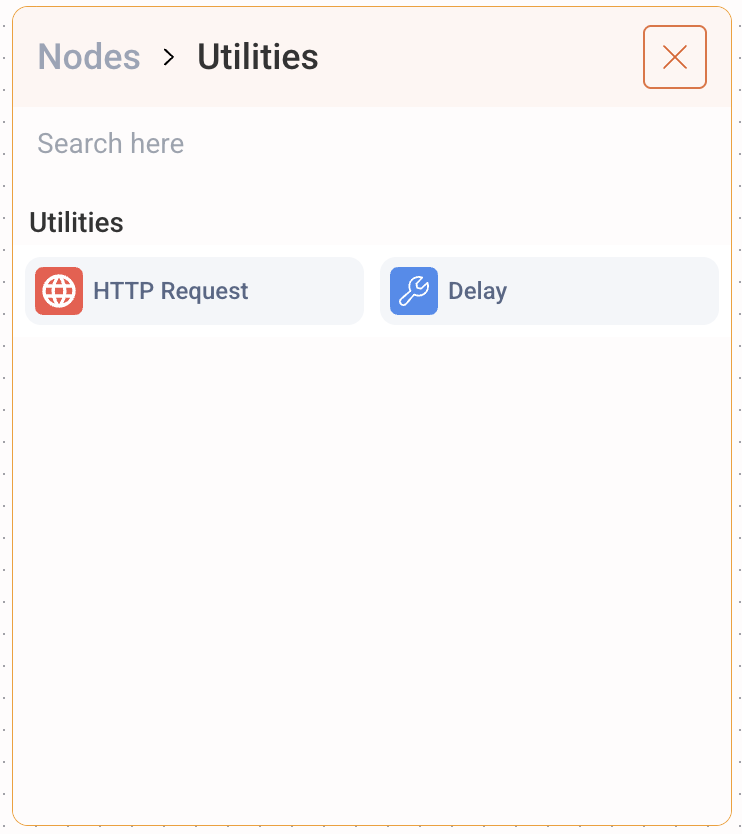
Built-in - Utilities
| Nodes | Description |
|---|---|
| HTTP Request | Execute REST/HTTP API requests with support for auth, headers, and body. |
| Delay | Pause or delay workflow execution for a specified duration in seconds. |
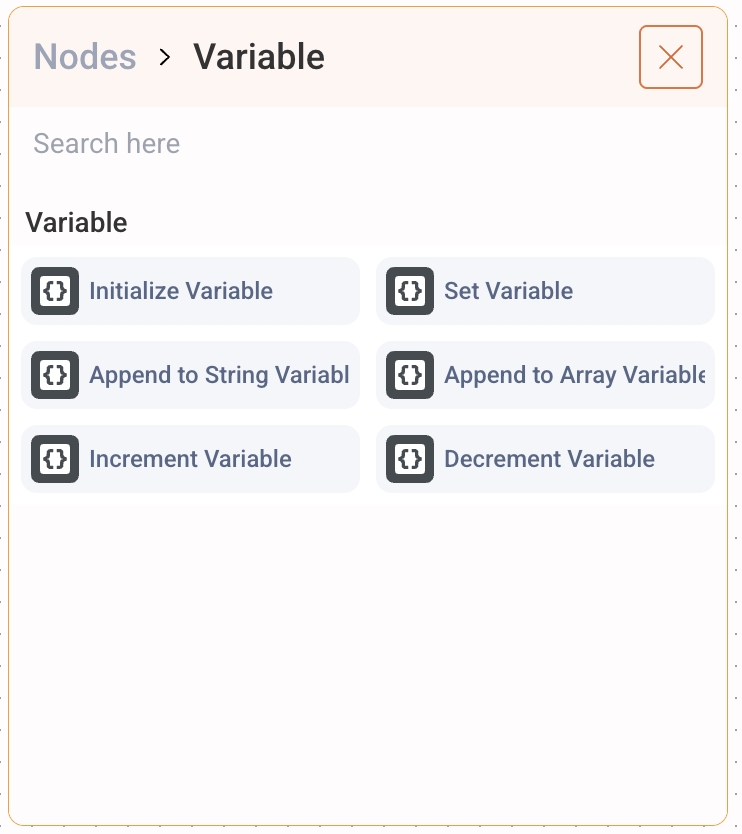
Built-in - Variables
| Nodes | Description |
|---|---|
| Initialize Variable | Initialize a new variable with a specific type and initial value. The type declared here is fixed for the whole run, and every later Set/Append/Increment on this variable must respect it. Place this at the top level of the workflow, not inside a loop. |
| Append to String Variable | Append text to the end of an existing String variable. A Set Variable would overwrite the value, this one preserves it. Use it inside a loop to build up one string across iterations; to turn a collected array into a string in a single step, use Join instead. |
| Increment Variable | Add a number to an existing Integer or Float variable. The increment defaults to 1, so used inside a loop this is the standard counter. A Set Variable would need the old value referenced by hand; this one reads it for you. |
| Set Variable | Assign a new value to an existing variable, replacing what it held. The value must match the type declared by the Initialize Variable node, otherwise the node fails. To add to a variable instead of replacing it, use Append or Increment. |
| Append to Array Variable | Append a value to the end of an existing Array variable. The variable keeps everything it already held. Used inside a loop, this is how per-iteration results are collected into one list that nodes after the loop can read. |
| Decrement Variable | Subtract a number from an existing Integer or Float variable. The decrement defaults to 1, so used inside a loop this is the standard countdown. |
Built-in - Extractor
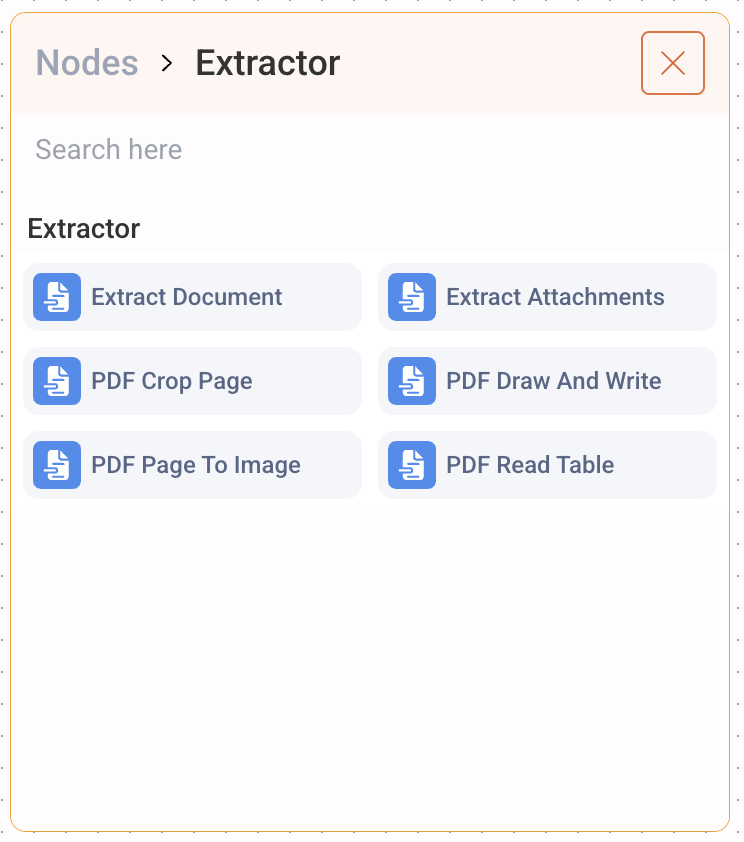
| Nodes | Description |
|---|---|
| Extract Document | Extract text content from a remote document URL via the Docling server. PDFs / Office / HTML files run through the full layout + OCR + optional VLM picture-description pipeline and are returned in the requested format (md/json/text/html). Images (jpg/png/webp/gif/bmp/tiff) bypass Docling and are sent directly to the configured VLM with the caller's instruction as the prompt, returning a single description string. |
| PDF Crop Page | Crop a rectangular region from a PDF page and return it as an image. Coordinates are in PDF points (1 pt = 1/72 inch) from the top-left corner. Tip: A4 page is roughly 595 × 842 pt. |
| PDF Page to Image | Render a PDF page to an image (PNG or JPEG). Returns the rendered page as a base64-encoded image string. |
| Extract Attachments | Extract text content from a list of email/connector attachments via the Docling server. Accepts the attachment array produced by the connector tools — each item url — and extracts every entry: PDFs / Office / HTML files run through the Docling layout + OCR pipeline; images go straight to the VLM with instruction as the prompt. Returns per-attachment results plus a combined text. |
| PDF Draw and Write | Add drawings (rectangles, lines, circles, highlights) and text to a PDF page. Returns the modified PDF as a base64-encoded string. Colors use [R, G, B] float values in the range 0.0–1.0. |
| PDF Read Table | Extract tables from a PDF page using PyMuPDF's built-in table detector. Returns each table as a list of rows (list of cell strings). |
Connectors - Confluence Cloud
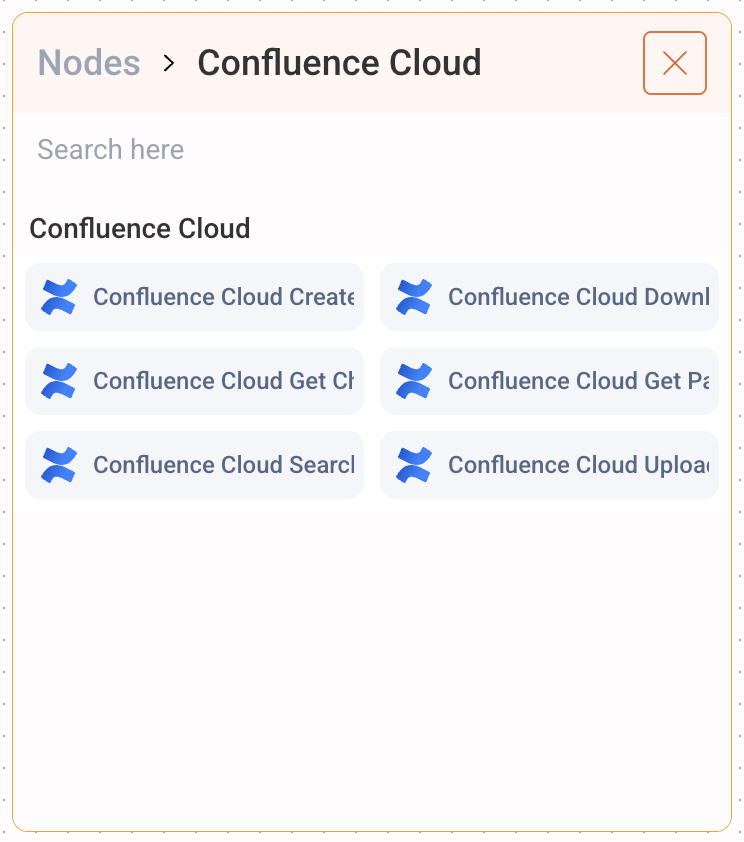
| Nodes | Description |
|---|---|
| Confluence Cloud Create Page | Create a Confluence page under a space. Provide title, space_key, and content (HTML or Confluence storage format). Requires connector_id. |
| Confluence Cloud Get Child Pages | List the direct child pages of a Confluence page by page_id — useful for traversing a page tree. Requires connector_id. |
| Confluence Cloud Search Content | Search Confluence content with a CQL query, e.g. space=DEV AND type=page ORDER BY lastModified DESC. Requires connector_id. |
| Confluence Cloud Download Page Attachment | Download one Confluence page attachment via the AGIS Attachment Proxy, returned as base64-encoded content. Provide page_id and attachment_id. Requires connector_id. |
| Confluence Cloud Get Page | Fetch a Confluence page by page_id, including its body in storage format. Requires connector_id. |
| Confluence Cloud Upload Page Attachment | Upload one or more files as attachments to a Confluence page via the AGIS Attachment Proxy. Provide page_id and attachments — a list of objects each with a url (e.g. RustFS presigned URL) and optional filename/contentType. Requires connector_id. |
Connectors - Confluence Data Center
| Nodes | Description |
|---|---|
| Confluence Data Center Create Page | Create a Confluence DC page under a space. Provide title, space_key, and content (HTML or Confluence storage format); optionally parent_id to nest the page under a parent. Requires connector_id. |
| Confluence Data Center Download Page Attachment | Download one Confluence DC page attachment via the AGIS Attachment Proxy, returned as base64-encoded content. Provide page_id and attachment_id. Requires connector_id. |
| Confluence Data Center Get Child Pages | List the direct child pages of a Confluence DC page by page_id — useful for traversing a page tree. Requires connector_id. |
| Confluence Data Center Get Display Page | Fetch a Confluence DC page's rendered HTML by its display path — space_key and title (as they appear in the browser display URL). Returns raw HTML (not JSON); use Get Page for structured content. Requires connector_id. |
| Confluence Data Center Get Page | Fetch a Confluence DC page by page_id, including its body in storage format. Requires connector_id. |
| Confluence Data Center Search Content | Search Confluence DC content with a CQL query, e.g. space=DEV AND type=page ORDER BY lastModified DESC. Requires connector_id. |
| Confluence Data Center Upload Page Attachment | Upload one or more files as attachments to a Confluence DC page via the AGIS Attachment Proxy. Provide page_id and attachments — a list of objects each with a url (e.g. RustFS presigned URL) and optional filename/contentType. Requires connector_id. |
Connectors - Email
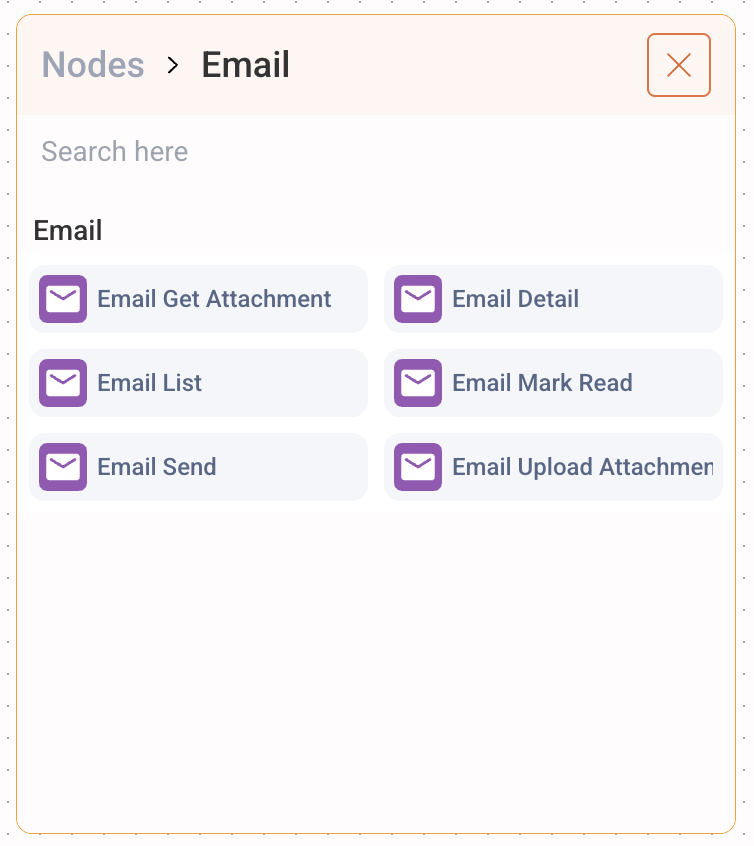
| Nodes | Description |
|---|---|
| Email Get Attachment | Download one email attachment via the AGIS Attachment Proxy, returned as base64-encoded content. Provide message_id and attachment_id — the 0-based index of the attachment within the message. Requires connector_id. |
| Email Detail | Fetch the full detail of one email by message_id (the IMAP UID from List Emails), including cc, plain-text body and the attachments list. By default (normalize_body true) it also cleans the body when the connector returns a raw MIME/HTML envelope instead of readable text — decoding it to plain text and filling attachments from the MIME parts when the connector left that array empty. Set normalize_body false to return the connector body verbatim (e.g. once the connector returns clean text server-side). Requires connector_id. |
| Email List | List emails from the connector inbox via IMAP. filter is unseen (default) or all; max_results caps the count (most recent first). Returns metadata only — use Get Email for body/attachments. Requires connector_id. |
| Email Mark Read | Mark an email as read (set the IMAP SEEN flag) by message_id. Call after processing to prevent reprocessing on the next poll. Requires connector_id. |
| Email Send | Send an email via the AGIS-Connectors email connector (SMTP). Provide to (and optional cc) as a list of addresses, plus subject and body. The body may be written in markdown (headings, bold, numbered and bulleted lists) — it is rendered before sending. Requires connector_id. |
| Email Upload Attachment | Upload one email attachment to RustFS via the AGIS Attachment Proxy and return its storage link instead of base64 — use this to feed a URL-based step (docling, Jira/Confluence upload). Provide message_id and attachment_id (the 0-based attachment index). The RustFS target is configured on the proxy, not here. Requires connector_id. |
Connectors - Jira Cloud
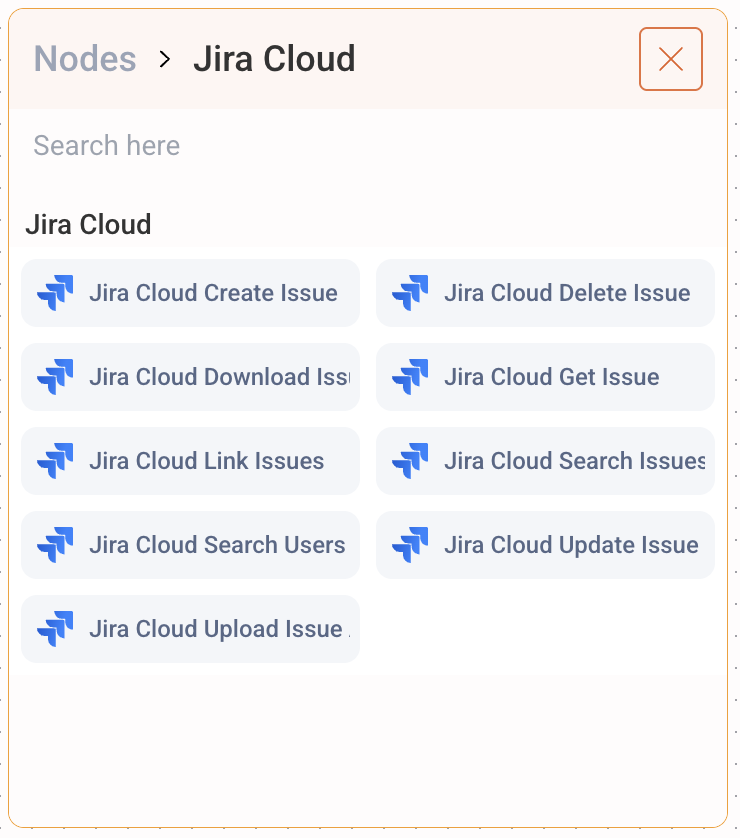
| Nodes | Description |
|---|---|
| Jira Cloud Create Issue | Create a Jira issue. Provide project_key, summary, and typically issue_type; optionally description, priority, assignee (accountId), labels, due_date, parent_key, or a raw fields object. Requires connector_id. |
| Jira Cloud Delete Issue | Delete a Jira issue by issue_key. Requires connector_id. |
| Jira Cloud Download Issue Attachment | Download one Jira issue attachment via the AGIS Attachment Proxy, returned as base64-encoded content. Provide issue_key and attachment_id (from the issue's attachments array). Requires connector_id. |
| Jira Cloud Get Issue | Fetch a Jira issue by issue_key. Requires connector_id. |
| Jira Cloud Link Issues | Link two existing Jira issues. Provide link_type (e.g. Blocks, Cloners, Duplicate, Relates), inward_issue_key, and outward_issue_key. Requires connector_id. |
| Jira Cloud Search Issues | Search Jira issues with JQL. Provide jql; optional max_results, start_at, fields (list of field keys), expand (list), and validate_query. Requires connector_id. |
| Jira Cloud Search Users | Search Jira users by name or email to resolve an accountId for assignee fields. Provide query and optional max_results. Requires connector_id. |
| Jira Cloud Update Issue | Update a Jira issue by issue_key. Only supplied fields change. Supports summary, description, priority, assignee (accountId; or set unassign true), issue_type, labels, due_date, parent_key, an appended comment, and raw fields/update passthrough. Requires connector_id. |
| Jira Cloud Upload Issue Attachment | Upload one or more files as attachments to a Jira issue via the AGIS Attachment Proxy. Provide issue_key and attachments — a list of objects each with a url (e.g. RustFS presigned URL) and optional filename/contentType. Requires connector_id. |
Connectors - Jira Data Center
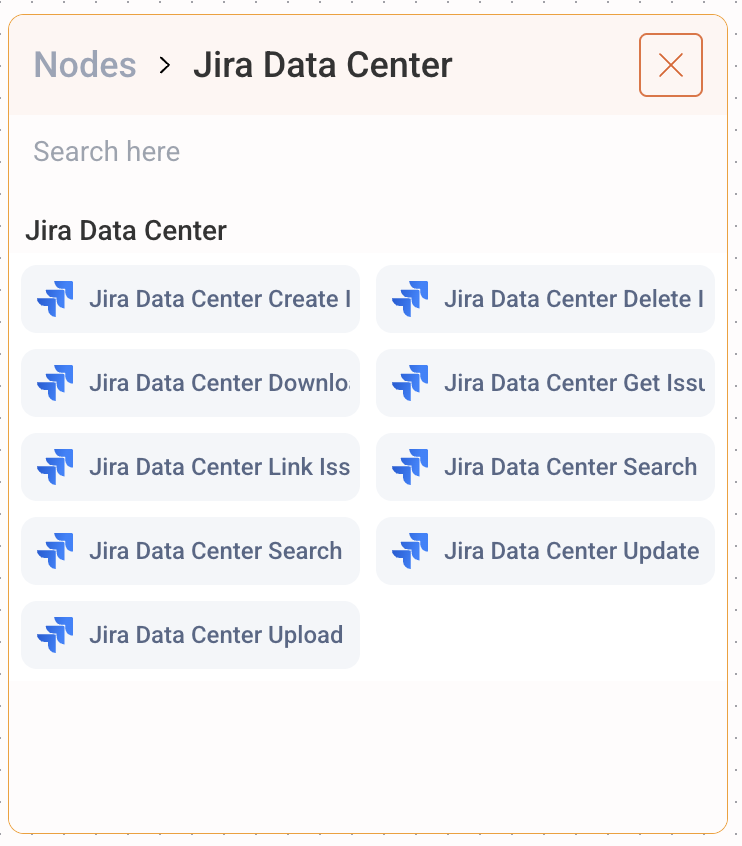
| Nodes | Description |
|---|---|
| Jira Data Center Create Issue | Create a Jira DC issue. Provide project_key, summary, and typically issue_type; optionally description (plain text), priority, assignee (username), labels, due_date, parent_key, or a raw fields object. Requires connector_id. |
| Jira Data Center Delete Issue | Delete a Jira DC issue by issue_key. Requires connector_id. |
| Jira Data Center Download Issue Attachment | Download one Jira DC issue attachment via the AGIS Attachment Proxy, returned as base64-encoded content. Provide issue_key and attachment_id (from the issue's attachments array). Requires connector_id. |
| Jira Data Center Get Issue | Fetch a Jira DC issue by issue_key. Requires connector_id. |
| Jira Data Center Link Issues | Link two existing Jira DC issues. Provide link_type (e.g. Blocks, Cloners, Duplicate, Relates), inward_issue_key, and outward_issue_key. Requires connector_id. |
| Jira Data Center Search Issues | Search Jira DC issues with JQL. Provide jql; optional max_results, start_at, fields (list of field keys), expand (list), and validate_query (boolean). Requires connector_id. |
| Jira Data Center Search Users | Search Jira DC users by username to resolve the name for assignee fields. Provide query and optional max_results. Requires connector_id. |
| Jira Data Center Update Issue | Update a Jira DC issue by issue_key. Only supplied fields change. Supports summary, description (plain text), priority, assignee (username; or set unassign true), issue_type, labels, due_date, parent_key, an appended comment, and raw fields/update passthrough. Requires connector_id. |
| Jira Data Center Upload Issue Attachment | Upload one or more files as attachments to a Jira DC issue via the AGIS Attachment Proxy. Provide issue_key and attachments — a list of objects each with a url (e.g. RustFS presigned URL) and optional filename/contentType. Requires connector_id. |
Connectors - MySQL
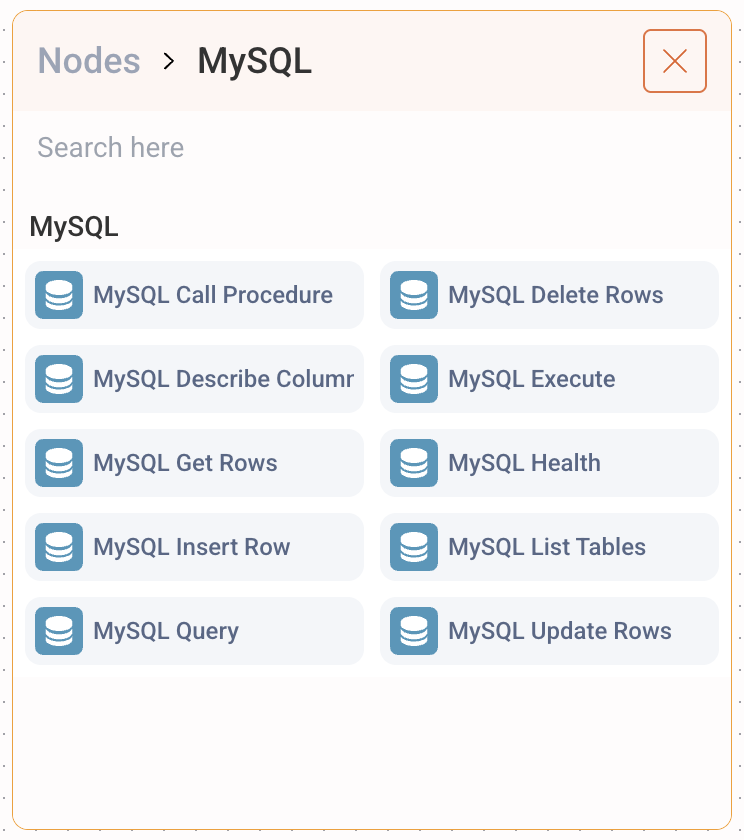
| Nodes | Description |
|---|---|
| MySQL Call Procedure | Call a MySQL stored procedure by name, with positional arguments in args. Invoked as CALL name(?, ...). A stored procedure that produces a result set returns rows and columns; otherwise it returns affected_rows. Requires connector_id and name. |
| MySQL Delete Rows | Delete rows from a MySQL table. where selects which rows go and is mandatory - a delete without it is refused rather than emptying the table. Requires connector_id, table and where. |
| MySQL Describe Columns | Describe one MySQL table's columns (names and types). Use it before writing a query or an insert so column names and types are known rather than assumed. Requires connector_id and table. |
| MySQL Execute | Run a write or DDL statement against MySQL (INSERT/UPDATE/DELETE/CREATE/ALTER) and return how many rows changed. Put every value in params behind a positional ? placeholder. Use mysql_query for SELECT. Requires connector_id and sql. |
| MySQL Get Rows | Read rows from one MySQL table with paging and ordering, without writing any SQL. Supports limit, offset, order_by and order_dir. For anything with a WHERE clause or a join, use mysql_query. Requires connector_id and table. |
| MySQL Health | Check that the MySQL connector can reach the database - it opens a connection and runs SELECT 1. Use it to tell a credential/network problem apart from a bad query. Requires connector_id. |
| MySQL Insert Row | Insert one row into a MySQL table from a values object of column -> value. Values are bound as parameters and identifiers are validated, so nothing is interpolated into SQL. Returns {affectedRows, insertId}. Requires connector_id, table and values. |
| MySQL List Tables | List the tables visible to the MySQL connection. Use it to discover table names before querying, rather than guessing them. Requires connector_id. |
| MySQL Query | Run a read-only SELECT against MySQL and return the rows. Put every value in params and a positional ? placeholder in the SQL - values are bound as prepared-statement parameters, so never concatenate them into the SQL string. Use mysql_execute instead for INSERT/UPDATE/DELETE/DDL. Requires connector_id and sql. |
| MySQL Update Rows | Update rows in a MySQL table. set holds the new column -> value pairs and where selects which rows change. where is mandatory - an update without it is refused rather than rewriting every row in the table. Requires connector_id, table, set and where. |
Connectors - PostgreSQL
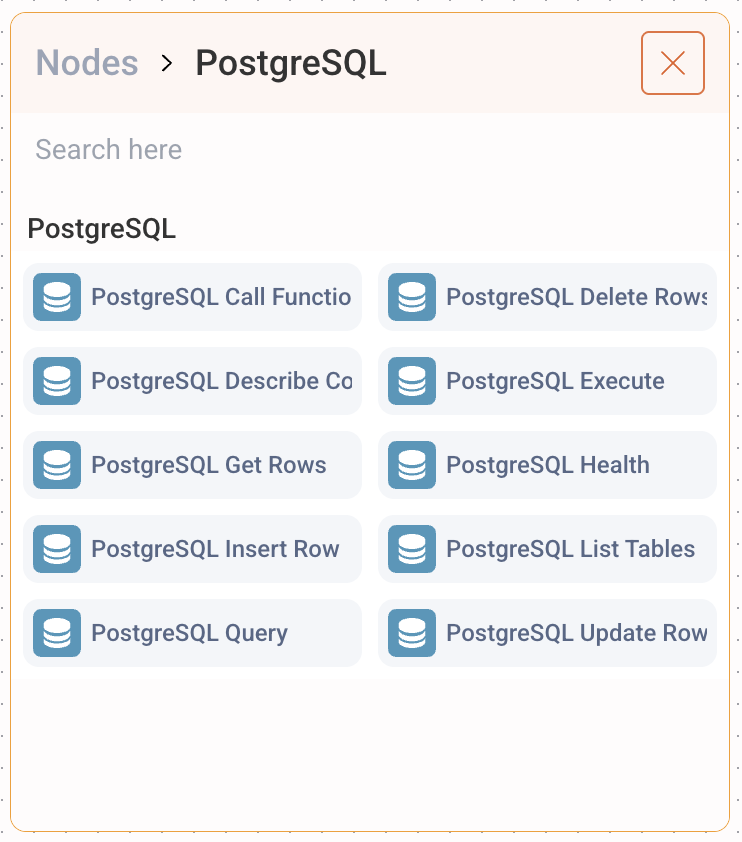
| Nodes | Description |
|---|---|
| PostgreSQL Call Function | Call a PostgreSQL function by name, with positional arguments in args. Invoked as SELECT * FROM name(?, ...). A function that produces a result set returns rows and columns; otherwise it returns affected_rows. Requires connector_id and name. |
| PostgreSQL Delete Rows | Delete rows from a PostgreSQL table. where selects which rows go and is mandatory - a delete without it is refused rather than emptying the table. Requires connector_id, table and where. |
| PostgreSQL Describe Columns | Describe one PostgreSQL table's columns (names and types). Use it before writing a query or an insert so column names and types are known rather than assumed. Requires connector_id and table. |
| PostgreSQL Execute | Run a write or DDL statement against PostgreSQL (INSERT/UPDATE/DELETE/CREATE/ALTER) and return how many rows changed. Put every value in params behind a positional ? placeholder. Use postgresql_query for SELECT. Requires connector_id and sql. |
| PostgreSQL Get Rows | Read rows from one PostgreSQL table with paging and ordering, without writing any SQL. Supports limit, offset, order_by and order_dir. For anything with a WHERE clause or a join, use postgresql_query. Requires connector_id and table. |
| PostgreSQL Health | Check that the PostgreSQL connector can reach the database - it opens a connection and runs SELECT 1. Use it to tell a credential/network problem apart from a bad query. Requires connector_id. |
| PostgreSQL Insert Row | Insert one row into a PostgreSQL table from a values object of column -> value. Values are bound as parameters and identifiers are validated, so nothing is interpolated into SQL. Returns the inserted row (via RETURNING *). Requires connector_id, table and values. |
| PostgreSQL List Tables | List the tables visible to the PostgreSQL connection. Use it to discover table names before querying, rather than guessing them. Requires connector_id. |
| PostgreSQL Query | Run a read-only SELECT against PostgreSQL and return the rows. Put every value in params and a positional ? placeholder in the SQL - values are bound as prepared-statement parameters, so never concatenate them into the SQL string. Use postgresql_execute instead for INSERT/UPDATE/DELETE/DDL. Requires connector_id and sql. |
| PostgreSQL Update Rows | Update rows in a PostgreSQL table. set holds the new column -> value pairs and where selects which rows change. where is mandatory - an update without it is refused rather than rewriting every row in the table. Requires connector_id, table, set and where. |
Connectors - SQL Server
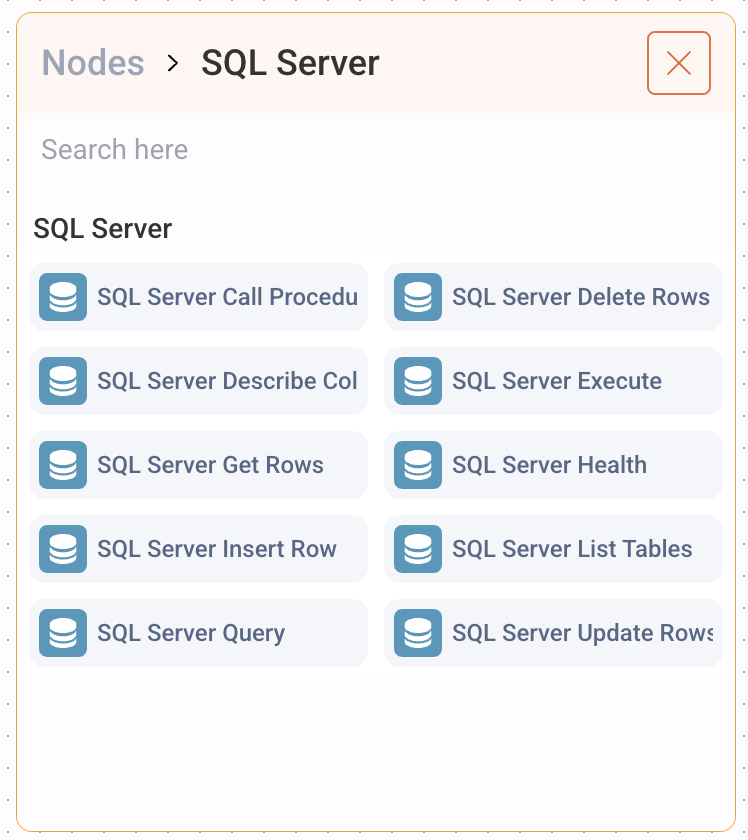
| Nodes | Description |
|---|---|
| SQL Server Call Procedure | Call a SQL Server stored procedure by name, with positional arguments in args. Invoked as {call name(?, ...)}. A stored procedure that produces a result set returns rows and columns; otherwise it returns affected_rows. Requires connector_id and name. |
| SQL Server Delete Rows | Delete rows from a SQL Server table. where selects which rows go and is mandatory - a delete without it is refused rather than emptying the table. Requires connector_id, table and where. |
| SQL Server Describe Columns | Describe one SQL Server table's columns (names and types). Use it before writing a query or an insert so column names and types are known rather than assumed. Requires connector_id and table. |
| SQL Server Execute | Run a write or DDL statement against SQL Server (INSERT/UPDATE/DELETE/CREATE/ALTER) and return how many rows changed. Put every value in params behind a positional ? placeholder. Use sqlserver_query for SELECT. Requires connector_id and sql. |
| SQL Server Get Rows | Read rows from one SQL Server table with paging and ordering, without writing any SQL. Supports limit, offset, order_by and order_dir. For anything with a WHERE clause or a join, use sqlserver_query. Requires connector_id and table. |
| SQL Server Health | Check that the SQL Server connector can reach the database - it opens a connection and runs SELECT 1. Use it to tell a credential/network problem apart from a bad query. Requires connector_id. |
| SQL Server Insert Row | Insert one row into a SQL Server table from a values object of column -> value. Values are bound as parameters and identifiers are validated, so nothing is interpolated into SQL. Returns the inserted row (via OUTPUT INSERTED.*). Requires connector_id, table and values. |
| SQL Server List Tables | List the tables visible to the SQL Server connection. Use it to discover table names before querying, rather than guessing them. Requires connector_id. |
| SQL Server Query | Run a read-only SELECT against SQL Server and return the rows. Put every value in params and a positional ? placeholder in the SQL - values are bound as prepared-statement parameters, so never concatenate them into the SQL string. Use sqlserver_execute instead for INSERT/UPDATE/DELETE/DDL. Requires connector_id and sql. |
| SQL Server Update Rows | Update rows in a SQL Server table. set holds the new column -> value pairs and where selects which rows change. where is mandatory - an update without it is refused rather than rewriting every row in the table. Requires connector_id, table, set and where. |
